
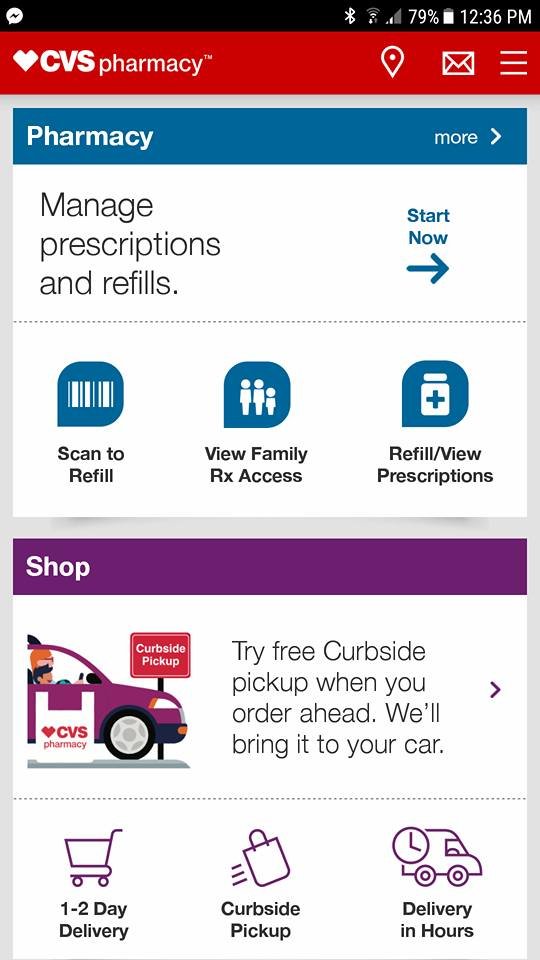
I am excited to collaborate with CVS Pharmacy in promoting #BetterHealthMadeEasy and guiding you on how to #FindYourHealthy. All views expressed are exclusively mine, and any claims about products or programs mentioned should be confirmed at CVS.com or with the relevant manufacturers.
The responsibilities of motherhood can be overwhelming, and keeping track of prescriptions often becomes an afterthought. Fortunately, the CVS Pharmacy App on my smartphone allows me to ensure we never run low on our everyday medications.
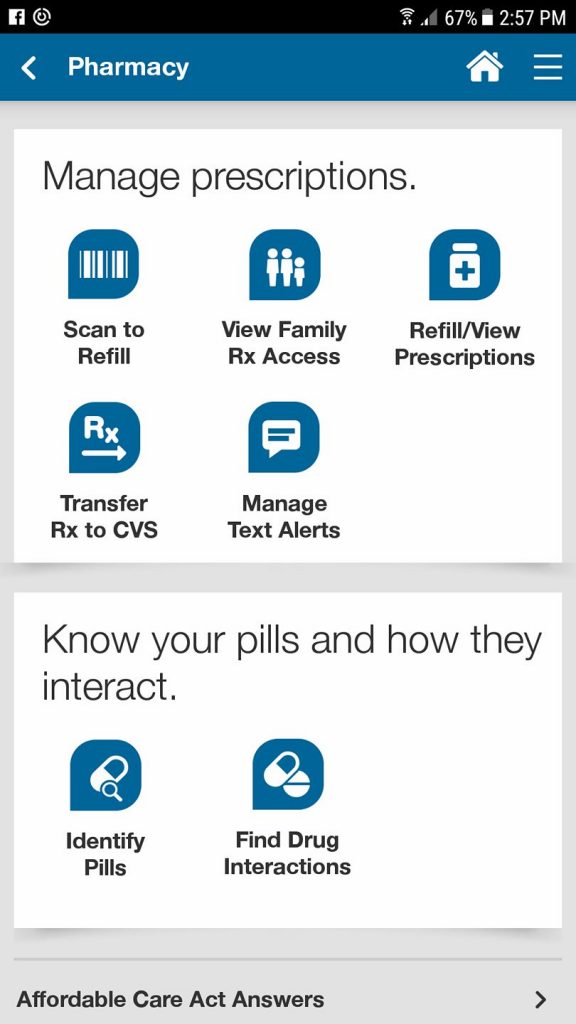
With just a few taps on the app, I can refill medications, view all current prescriptions, request renewals, transfer prescriptions to another CVS, and in the rare case I spill my pill sorter, it even helps me identify pills.
I’ve also activated text notifications on my account. Whenever my prescriptions set for auto refill are ready for collection, I receive a text alert with a link detailing which medication it is.
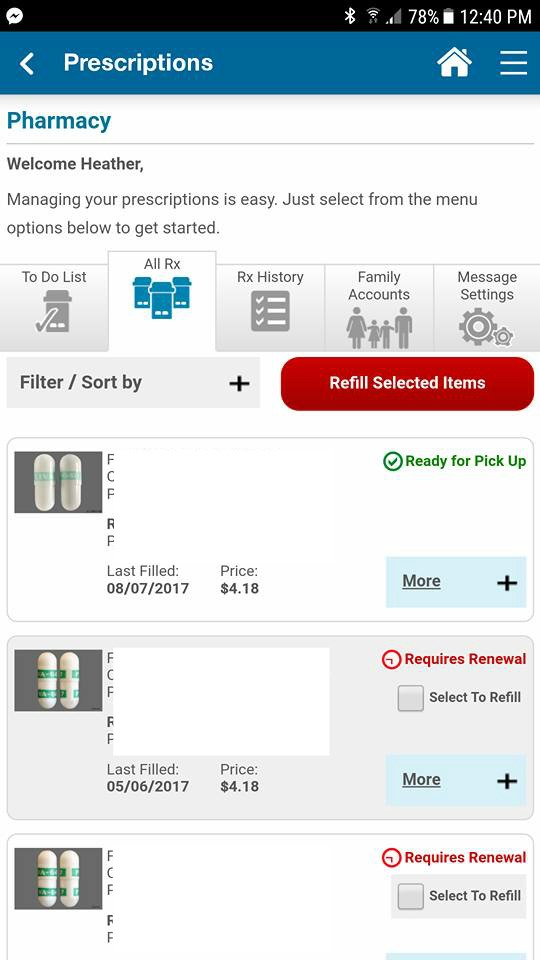
This is a snapshot of my “all rx” page. I can check which prescriptions I’ve had filled, the filling date, and their prices. One of my allergy medications had expired, yet I can easily click to refill it, and the pharmacy will handle the renewal request. Super simple!
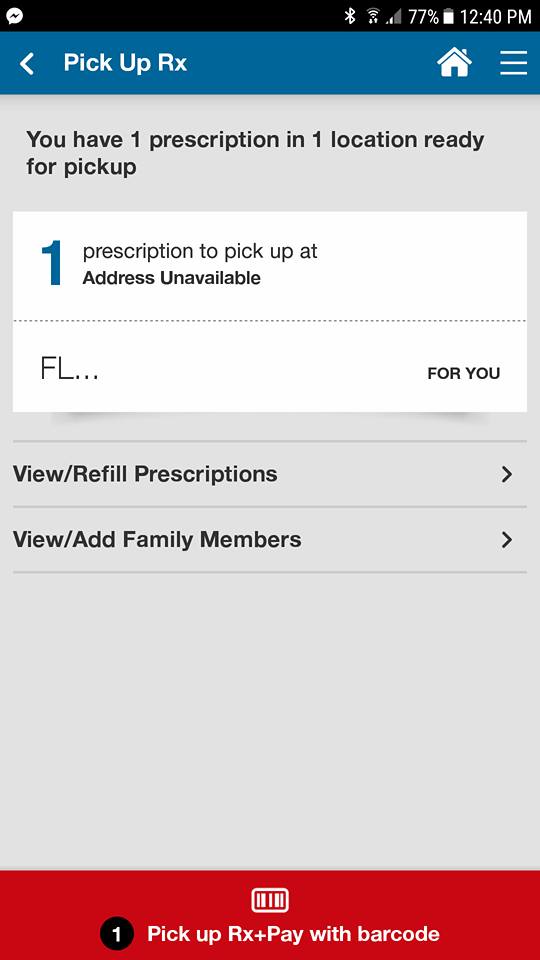
It gets better! The app allows me to manage prescriptions for other family members as well. By including my husband, I can ensure his allergy meds are always available.
The CVS Pharmacy app is packed with features designed to ease your life:
· Pharmacy: Taking charge of your own and your family’s medications has never been easier. Users can use the app to scan medications, automatically refill prescriptions, view and transfer them to a nearby CVS, set medication reminders, check for potential drug interactions, and even collect prescriptions privately by displaying the app.
· Deals & Rewards: Forget about clipping coupons! The CVS Pharmacy app provides personalized deals based on your shopping history, which can be directly sent to your ExtraCare Rewards card.
· Photo Center: Import your favorite images from your device or Facebook using the CVS Pharmacy app and quickly pick up your prints in-store. It’s that straightforward.
· Online Shopping: Browse and reorder your favorite CVS items easily through the CVS Pharmacy app.
· Find a Store: Whether you are at home or traveling, you can effortlessly find the nearest CVS Pharmacy.
Discover and download the app here!
Comments
Add Your Comment Cancel reply



Sarah L
says
I am unable to utilize CVS services in Colorado, so this wouldn’t assist me.